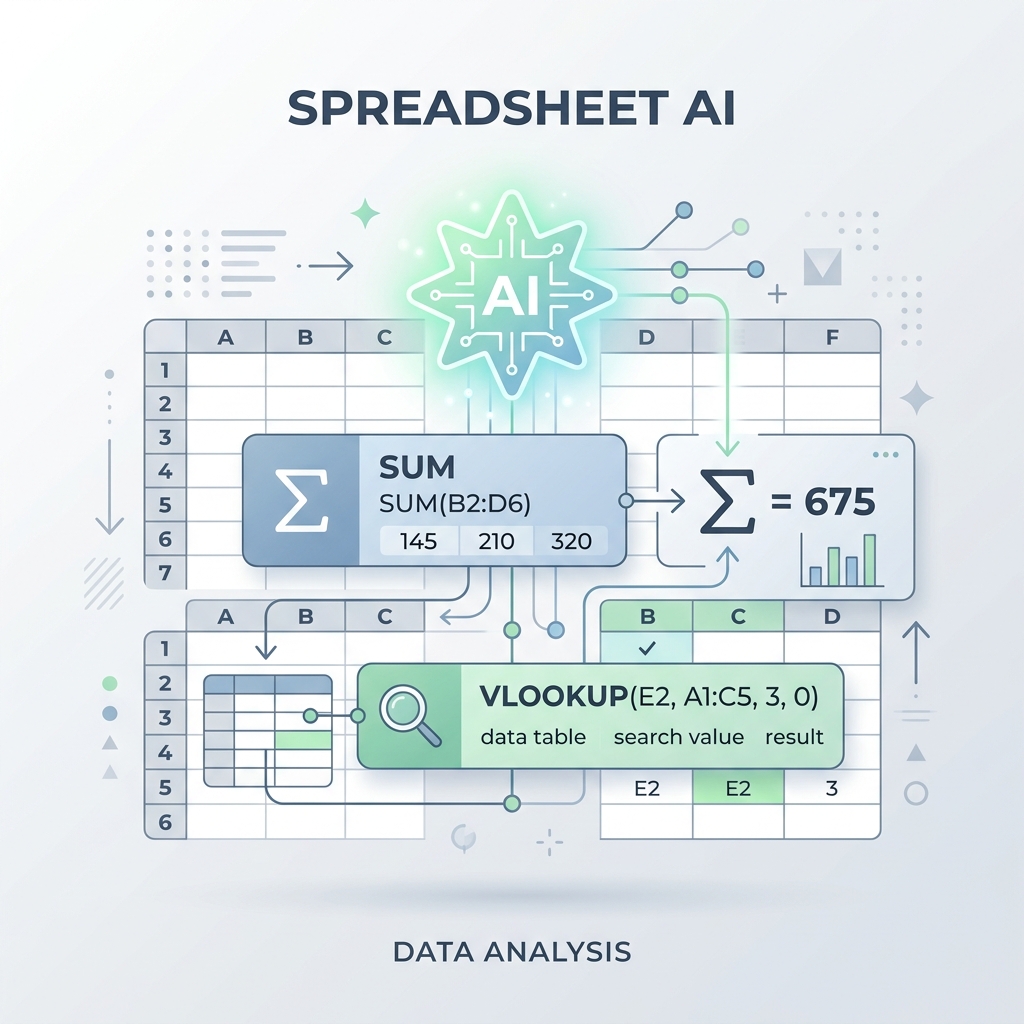
If you've ever stared at a blank cell in Microsoft Excel or Google Sheets, trying to remember the syntax for a nested VLOOKUP, INDEX MATCH, or ARRAYFORMULA, you know how frustrating spreadsheet engineering can be. Writing syntax formulas manually requires absolute precision; a single misplaced parenthesis will crash your entire sheet.
Now, artificial intelligence has made spreadsheet design much simpler. Instead of digging through help pages, you can describe what you want in plain English, and an AI generator will instantly write the formula for you. While many tools charge steep subscription fees, several excellent free AI formula generators exist.
Let's look at the best free AI Excel formula generators and explain how you can write the best prompts to get perfect formulas every time.
1. ChatGPT or Gemini (Best General Purpose & Free)
You don't need a specialized paid plugin to generate spreadsheet formulas. Standard free AI chats like Gemini (by Google) and ChatGPT are incredibly skilled at writing Excel and Google Sheets code. Because they have read millions of spreadsheet guides during training, they can write even the most complex arrays instantly.
- Why it's great: Completely free, has no usage caps, and explains how the formula works step-by-step.
- Pro Tip: Tell the AI your layout. For example: "Write a Google Sheets formula that checks the values in column A, and if they match 'Paid', sum the corresponding values in column C."
2. ExcelFormulaBot (Best Specialized Tool - Free Tier)
If you want a dedicated interface without writing long chat prompts, ExcelFormulaBot is the pioneer in this space. Its dashboard is simple: you choose whether you want to "Generate" or "Explain" a formula, select your software (Excel or Google Sheets), type your request, and copy the code.
- Free limit: Offers 5 free generated formulas per month, which is perfect for occasional sheet editing.
- Interface: Simple, clean, and requires zero prompt engineering experience.
3. Sheeter.ai (Fast Dynamic Generator)
Another popular option is Sheeter.ai. It focuses on speed and has a minimal interface. You type your query, and sheeter generates the corresponding formula immediately. Like Formula Bot, it has a basic free tier designed for casual users.
- Best for: Quickly generating standard functions (SUMIFS, COUNTIF, string splits) without chat clutter.
How to Write Prompts for Perfect AI Formulas
AI models are only as good as the instructions you give them. To get working formulas on the first try, use this structured prompt template:
1. Specify the software: "In Google Sheets..." or "In MS Excel..."
2. Define the input cells: "...look at the range A2:A50..."
3. State the logical condition: "...if the text is 'Active' and cell B2 is greater than 100..."
4. Define the output: "...average the values in column C. Return blank if no match is found."
Example Prompt: "In Excel, write a formula that checks cell B2. If B2 is empty, return 'Pending'. If B2 contains a date that is past today, return 'Overdue'. Otherwise, return 'On Track'."
The AI will output the exact nested IF statement instantly:
=IF(ISBLANK(B2), "Pending", IF(B2<TODAY(), "Overdue", "On Track"))
Conclusion
You no longer need to memorize complex spreadsheet syntax. By using standard free AI chats like Gemini or specialized bots like FormulaBot, you can automate your spreadsheets, generate clean code, and save hours of manual engineering in seconds.