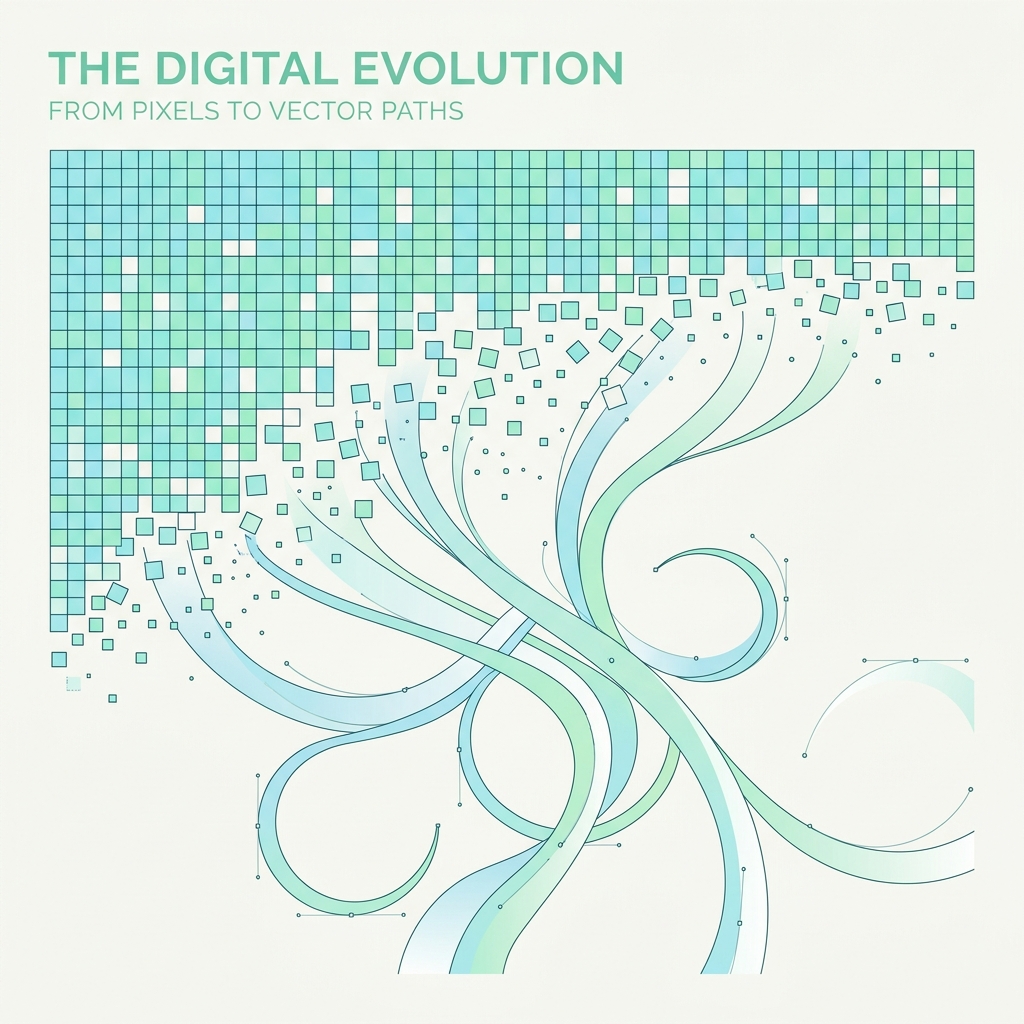
Have you ever tried to resize a small PNG logo for a banner, only to watch it dissolve into a blurry, pixelated mess? That happens because PNG and JPG are **raster images**—they are made of a grid of tiny square pixels. To scale images infinitely without losing any quality, you need **vector graphics** (like SVG files).
Converting a flat photo or drawing into a vector file used to require hours of manual tracing inside Adobe Illustrator. Today, AI-powered tools can trace outlines and create perfect SVG vector lines in seconds. While popular tools like Vectorizer.ai have locked their features behind paid subscriptions, several excellent free AI alternatives still exist.
Let's look at the best free AI vectorizer tools available online.
1. Vectorizer.com (Free Tier Image Tracer)
For designers seeking a quick, browser-based tracer, Vectorizer.com remains a strong free option. It supports basic automatic tracing of JPG and PNG files and lets you preview the path outlines side-by-side. While it doesn't have advanced node editor options, its default color-based tracing is excellent for flat logos and basic shapes.
- Best for: Flat logos, solid color icons, and digital signatures.
- Format support: Outputs clean SVG, EPS, and DXF files.
2. Vectorizer.ai (Best for Complex Textures - Beta Alternatives)
Although Vectorizer.ai has transitioned to a paid system, they still occasionally offer free trial tiers for developer testing. Their neural network architecture is the most advanced in the industry, utilizing deep learning to trace rounded corners and gradient patterns that standard software fails to recognize.
- Key Feature: Excellent detection of circular outlines and thin text characters.
- Alternative Tip: If you cannot access the free tier, open-source clones like Vectalign offer similar local tracing libraries.
3. Inkscape (Best Open-Source Desktop Tool)
If you don't want to upload your files online and want complete control over your vectors, Inkscape is the best open-source desktop alternative to Adobe Illustrator. It includes a built-in AI-powered tracing engine called **"Trace Bitmap"** (powered by the Potrace library). It performs multi-scan color tracing, edge detection, and center-line tracing.
- Key Feature: Desktop-based execution, completely free with zero file limits.
- Best for: Artists who want to edit the vector paths immediately after tracing.
Comparison: Vector vs. Raster Formats
| Feature | Raster Images (PNG / JPG) | Vector Graphics (SVG) |
|---|---|---|
| Made of | Grid of colored pixels | Mathematical curves and points |
| Scalability | Becomes pixelated when enlarged | Infinitely scalable with zero quality loss |
| Ideal Use Case | Detailed photos, complex digital art | Logos, web icons, typography, UI graphics |
| File Size Behavior | Increases with image resolution | Stays small regardless of scale |
Tips for Perfect Vector Tracing Results
To get the cleanest SVG output from an AI vectorizer, prepare your source image beforehand:
- Use high-contrast inputs: Clear boundaries between the subject and the background prevent jagged lines.
- Crop away unnecessary noise: Remove shadows or background clutter before uploading to ensure the AI only traces the main icon.
- Keep colors minimal: Tracing works best with solid colors. Try to convert gradient images to flat tones before vectorizing for cleaner node maps.
Summary
AI image tracing has removed the manual labor from graphic design. By combining online AI tracers with local editor tools like Inkscape, you can convert flat icons into high-quality, infinitely scalable vector assets in seconds.